EchoCast :)
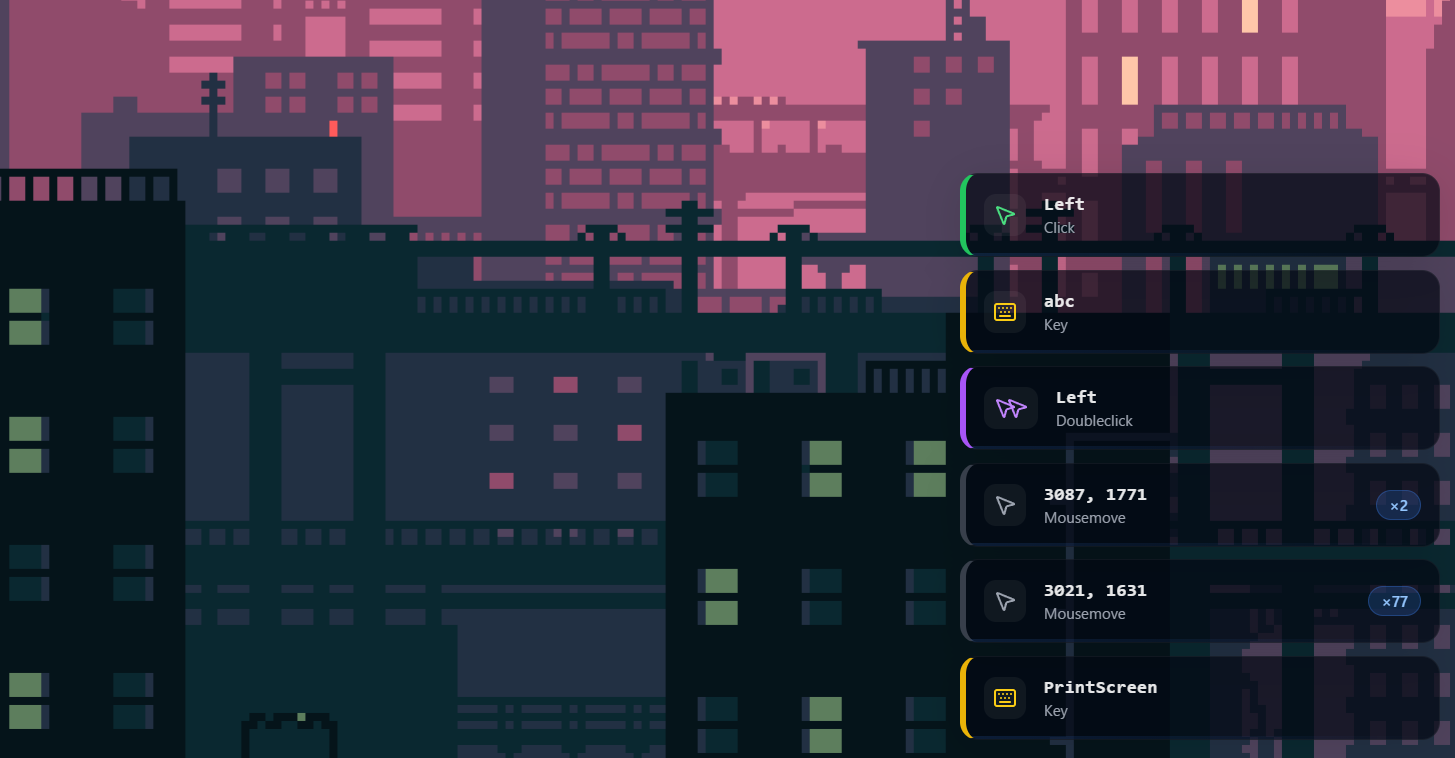
EchoCast is a lightweight, privacy-focused input visualization tool designed for screen recording, tutorials, and presentations. It displays your keystrokes and mouse clicks in a minimal overlay, helping your audience follow along seamlessly.
Features
- Real-time Input Overlay: clearly displays keyboard shortcuts and mouse actions.
- Smart Key Resolution: Automatically detects keyboard layout (JIS/US) via OS events.
- Typewriter Mode: Shows typed text naturally while highlighting shortcuts (e.g.,
Ctrl+C). - Minimalist Design: Unobtrusive UI that floats above your content.
- Privacy First: No keylogging storage; data is transient and visualized locally.
- Cross-Platform: Optimized for Windows with Tauri (Rust + React).
Installation & Usage
- Download the latest release (or build from source).
- Run
echocast.exe. - The overlay will appear at the bottom-right (configurable).
- Start recording your screen!
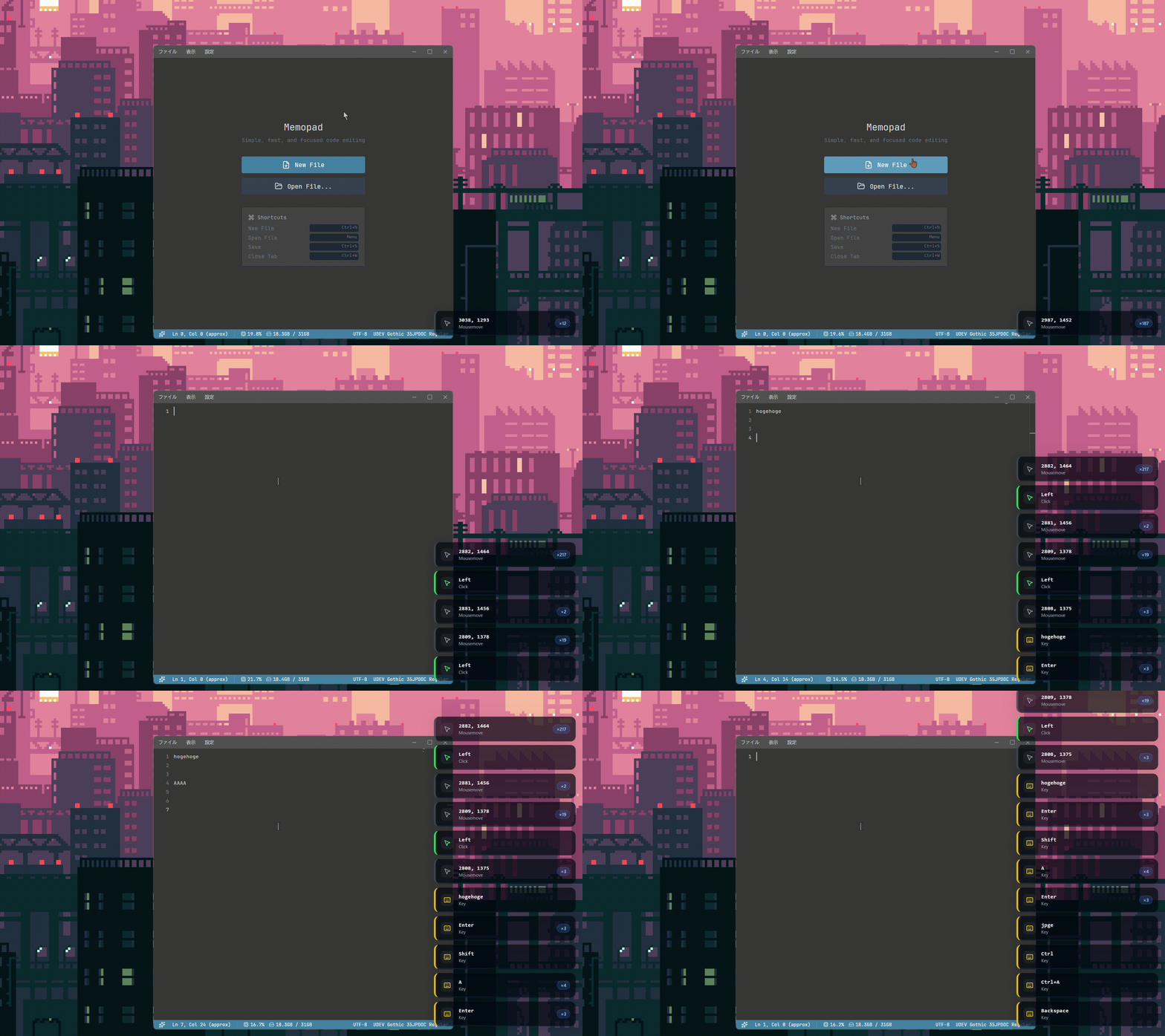
Demo
Architecture
Built with: - Tauri v2: For a tiny footprint and high performance. - Rust: Handling low-level input hooks safely. - React + Tailwind: For a beautiful, responsive overlay UI.